Help shoppers choose your products with their AI assistant.
Give assistants your product details, prices, availability and a clear path to purchase.
llms.txt · Product JSON · AI sitemap · Sharing widget
Free local publishing and sharing. No account, page limit or time limit.
Optional hosted reporting: See Pro
Your product, price and availability. Ready for an assistant.
Normal UI for your visitors. Agents for readable context. Crawlers for metadata and indexable content.
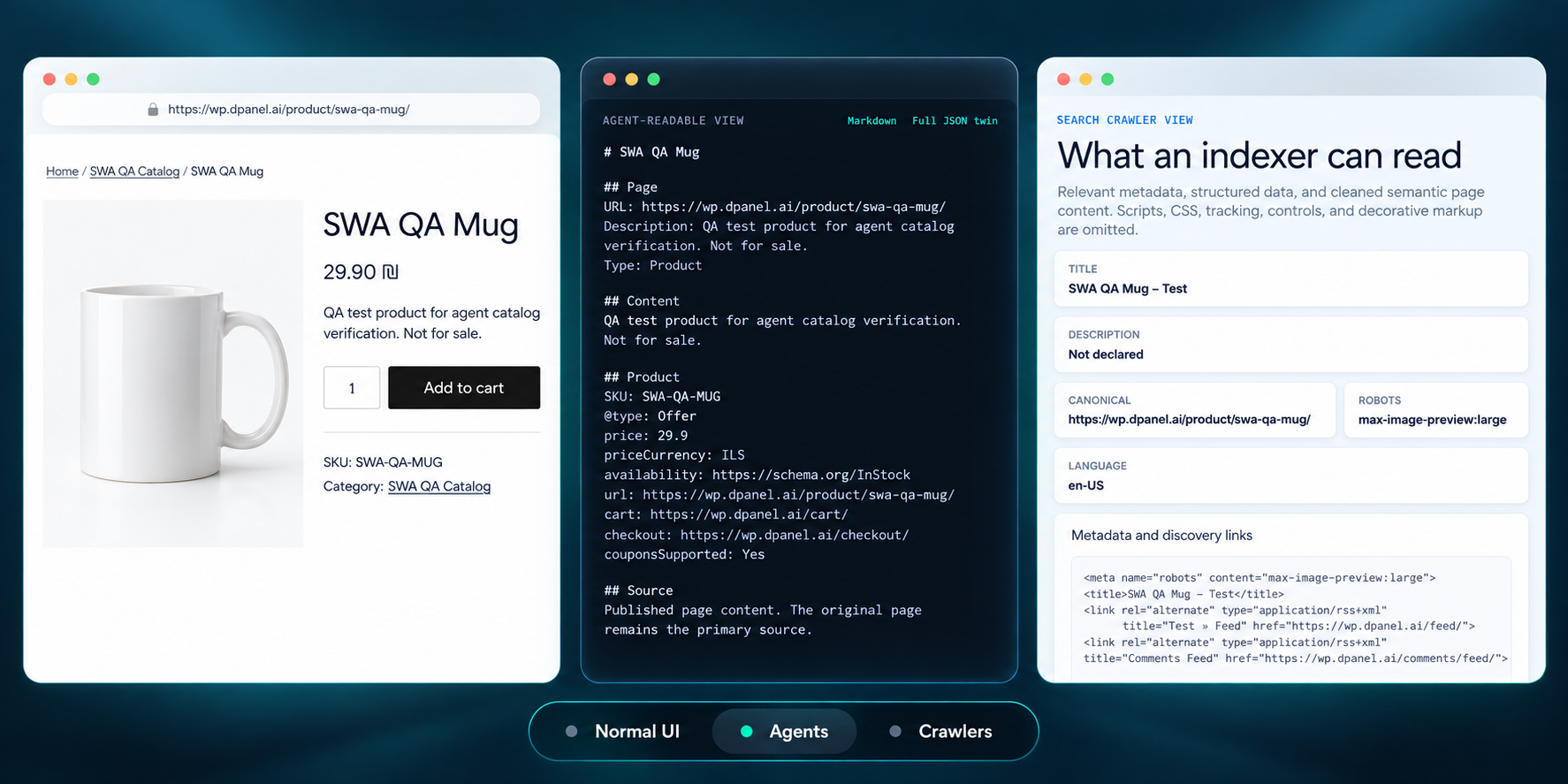
Try the views with real plugin screenshots
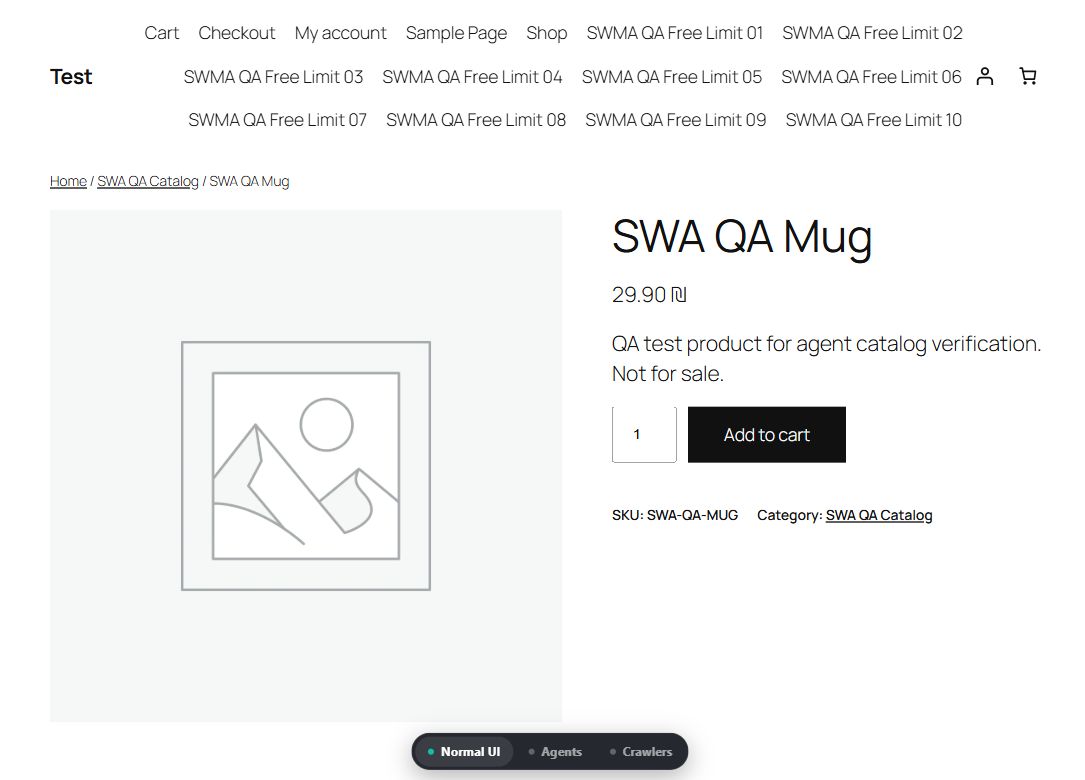
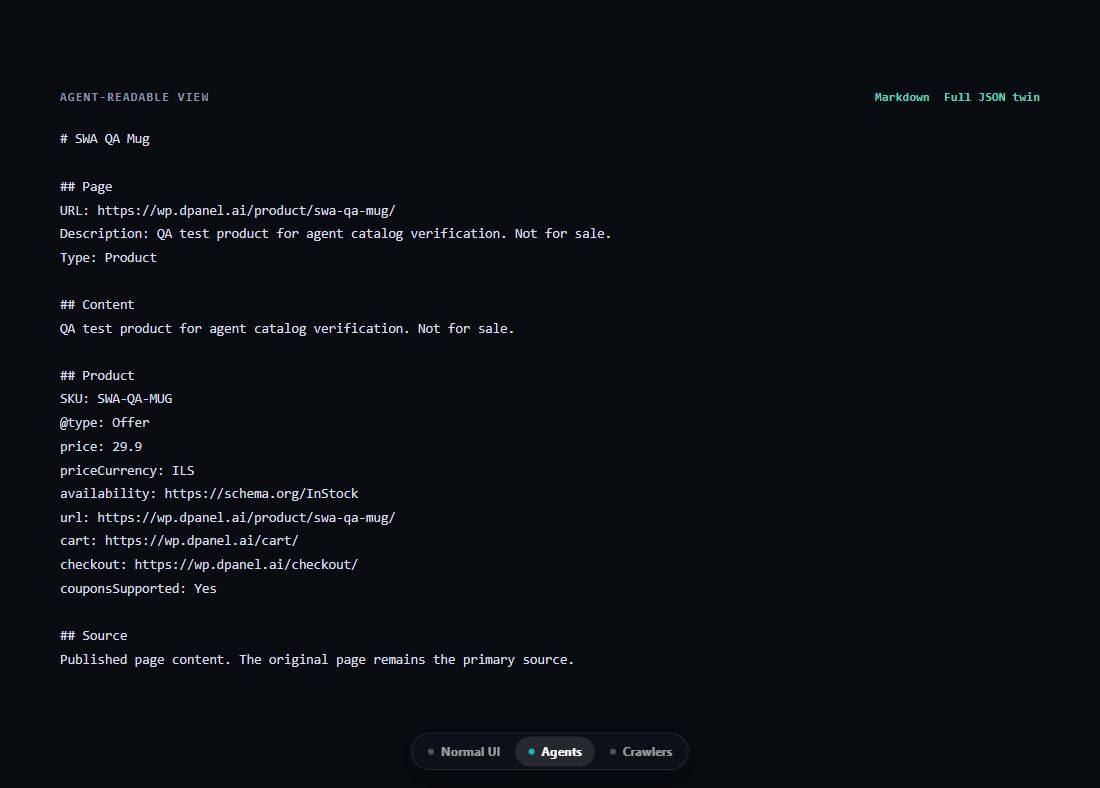
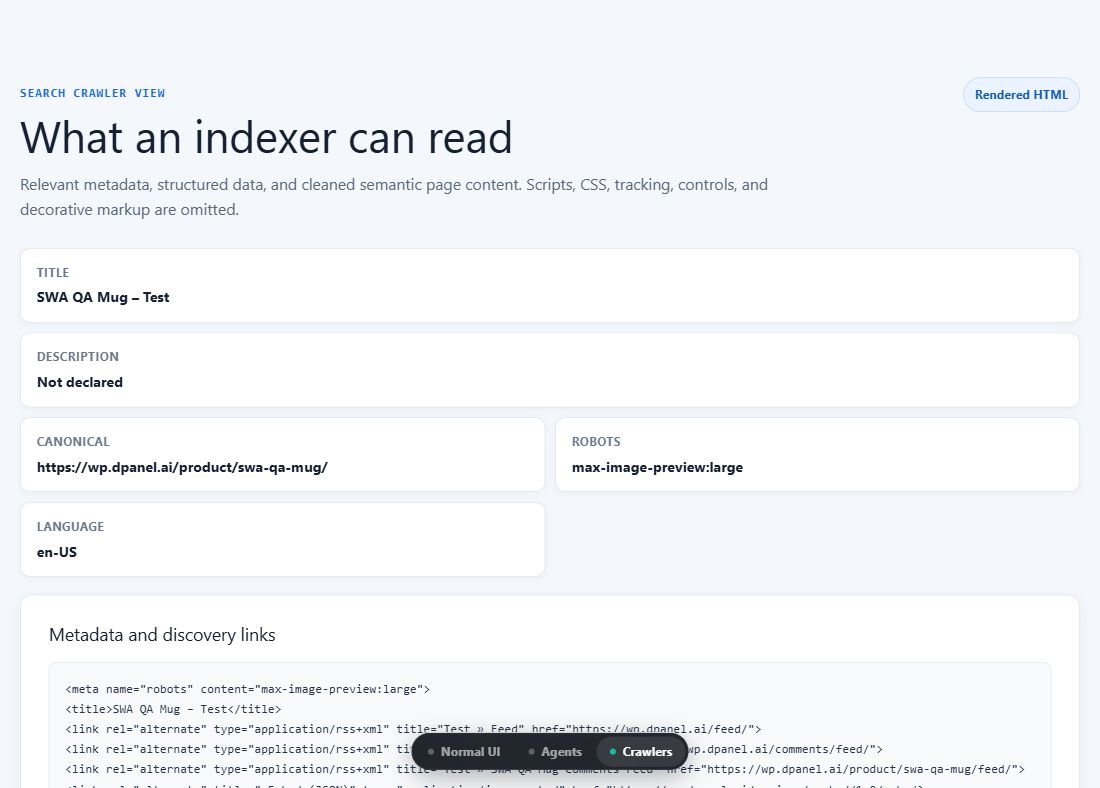
These are captured views of the running plugin. The buttons above switch screenshots; on your site, the plugin switches the page itself.
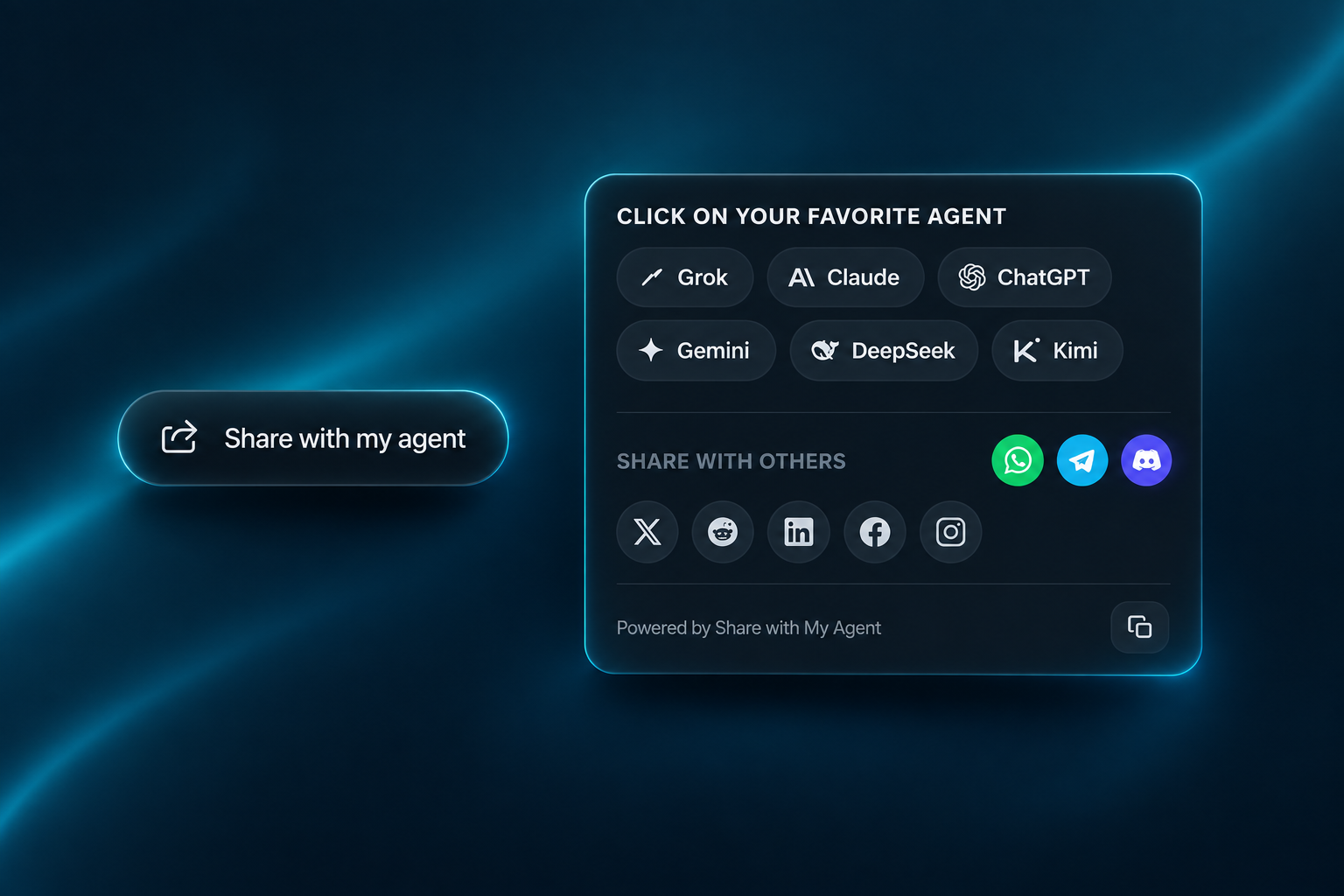
One sharing control. Their choice of agent.
Visitors open the widget, choose their assistant, or copy the line to share. Add it as a dock, bar, badge, button or callout.
Assistant choices shown are sharing destinations, not endorsements.
llms.txt, product JSON and an AI sitemap for WooCommerce
Publish llms.txt, structured JSON mirrors and a separate AI sitemap alongside your store. These outputs include eligible published pages and public products.
Products with context
Names, descriptions, SKUs, public prices and availability help assistants compare what you sell.
Categories that connect the catalog
A category view groups the included products and links back to your store.
A clear route to checkout
Publish your public cart and checkout links and explain that final totals are calculated by your store.
Install it in WordPress
- Download the ZIP above or from the WordPress.org listing.
- In WordPress, open Plugins → Add New → Upload Plugin.
- Upload, activate, and open Share with My Agent.
- Choose your publishing outputs and sharing-control placement. An account is optional for hosted reporting.
Products stay unpublished in the agent layer while your store is in Coming soon mode.
The same plugin supports WordPress and WooCommerce. Activate WooCommerce to include product and catalog context; a second Share with My Agent plugin is not needed.
Read the setup guide →Just need WordPress pages?
The WordPress plugin covers your content and sharing controls.
Explore the WordPress plugin →Free local features. Optional hosted reporting.
Local publishing, viewing modes and sharing controls are free, with no plugin-imposed page quota or time limit. Optional paid plans provide hosted reporting; they do not unlock local plugin features.
Each assistant decides what to recommend; the plugin does not guarantee recommendations or sales.
Public product information only: no customer records, orders, payment details or private carts are published. Prices and stock can change; the store confirms final totals at checkout.